


When Should Kids Learn to Type? The Parking Spot Trick for Little Fingers

The school laptop came home in a padded sleeve, and by Tuesday your kid was typing their spelling words with one finger, eyes glued to the keys, at roughly the speed of a sleepy snail. If you're now wondering when should kids learn to type, and whether yours is already behind, you're asking at exactly the right time of year.
Here's the short answer. Real touch-typing (fingers on the home row, not looking down) usually clicks around 7 to 8 years old, roughly second or third grade. That's when most hands are big enough to span the keyboard and fingers can move one at a time without the others tagging along. Before that, one-finger "hunt and peck" is completely normal for kindergarten and first grade, and it's fine. Little kids should spend those years finding letters and building finger strength, not drilling speed. And typing doesn't replace handwriting. Kids need both.
The trick I use to start the home row in sessions is called the Parking Spot. Each finger gets its own parking spot on the keyboard, drives out to hit a key, and drives right back home to park. Ten minutes a few times a week is plenty.
What Age Should Kids Learn to Type, Year by Year?
Here's the rough order I see in sessions. Kids wander a bit on either side of these ages, and that's okay.
Ages 3–5: button pressers
Totally not typing yet, and no reason to push. This age is all about finger isolation (pointing one finger while the others stay tucked). Poking holes in play dough, popping bubble wrap and pressing elevator buttons are all secretly keyboard prep.
ExploreAges 5–6: letter hunters
Kindergarten and first grade are hunt-and-peck years. Typing their name, finding the space bar, knowing where Enter lives. One thing that trips kids up here: the keys show CAPITAL letters, but the screen shows lowercase. That mismatch is confusing when you're still learning your letters, so say it out loud when you sit down together.
Hunt & peckAges 7–8: home row starters
This is the sweet spot. Hands are bigger, finger control is better, and reading is strong enough that kids aren't hunting for every letter. It's the right time to introduce the home row, with short practice and zero pressure about speed.
Start hereAges 9–11: speed builders
Once the home row feels natural, speed slowly shows up on its own. For most kids typing starts catching up to their handwriting speed somewhere in here. Accuracy first, though. Fast and wrong just means a lot of backspacing and a very grumpy kid.
FluencyIf your second grader is still pecking with one finger, you haven't missed some window. Plenty of kids learn the home row at nine or ten and do great.
🚗 My go-to trick: the Parking Spot
Show your kid the two tiny bumps on the F and J keys. Those are the parking spots for their pointer fingers, and they can find them without even looking. The rest of the fingers line up next to them like cars in a row: A-S-D-F on the left, J-K-L-; on the right. Thumbs rest on the space bar.
Now the game: a finger "drives out" to press a key, then drives right back to its parking spot. Say "park it!" after each letter at first, then after each word. It sounds silly, and kids love it, but the point is that their hands learn a home base. Without one, fingers wander all over the keyboard and kids have to look down to find their way back. With one, they feel for the bumps and they're home.
Bonus: stick a tiny colored dot sticker on F and J for the first week if the bumps are hard to feel.

What Are Easy Ways to Practice Typing at Home?
You don't need a fancy typing program to get started (though a free kid-friendly one is great once they're past the basics). Most of the early stuff happens away from the screen.
Finger piano on the table
Hands flat on the kitchen table, then lift one finger at a time while the others stay put. Call out "left pinky!" or "right ring finger!" and see who can do it without the neighbor finger popping up too. Harder than it sounds, even for grown-ups.
Finger isolationA paper keyboard
Print or draw a keyboard on paper and let your kid practice parking and driving out with no screen at all. Great for car rides and waiting rooms. It takes the pressure off because nothing appears on the screen to get "wrong."
Screen-freeType something real
The grocery list, a two-line email to Grandma, the names of every stuffed animal on the bed. Kids will practice a lot longer when the typing is for something. Keep it short, like three to five words at a time at first.
Real-life repsThe dish towel peek-blocker
Once the home row feels comfy, drape a light dish towel over their hands so they can't look down. Only try this once they know the spots; before that it's just frustrating. Make it a silly challenge, not a test.
No peekingKeep building hand strength
Play dough, tweezers, clothespins and squeeze toys all build the small finger muscles that make both typing and handwriting easier. Keyboards also ask two hands to do different jobs at the same time, which is exactly what bilateral coordination activities practice.
Hand strengthOne thing I watch for: kids who pick one hand and use it for the whole keyboard while the other hand just sits in their lap. The Parking Spot helps a lot here, because each hand gets its own side and its own job. (If you also notice your kid switching hands whenever something crosses the middle of their body, some crossing the midline activities are worth a look.)
Should Typing Replace Handwriting for My Child?
Usually, no. Handwriting helps kids learn and remember letters in a way typing doesn't quite match, especially in the early grades. So I'd keep both going.
But for some kids, typing can be a genuine relief. If writing is slow, painful or so messy nobody can read it, a keyboard can let their ideas finally get onto the page. That counts as an accommodation, and a smart one. If that sounds like your kid, it's worth reading why some kids write so slowly and talking with the school about options.
From the Tiny Hands shop
Handwriting Still Has to Hold Its Own
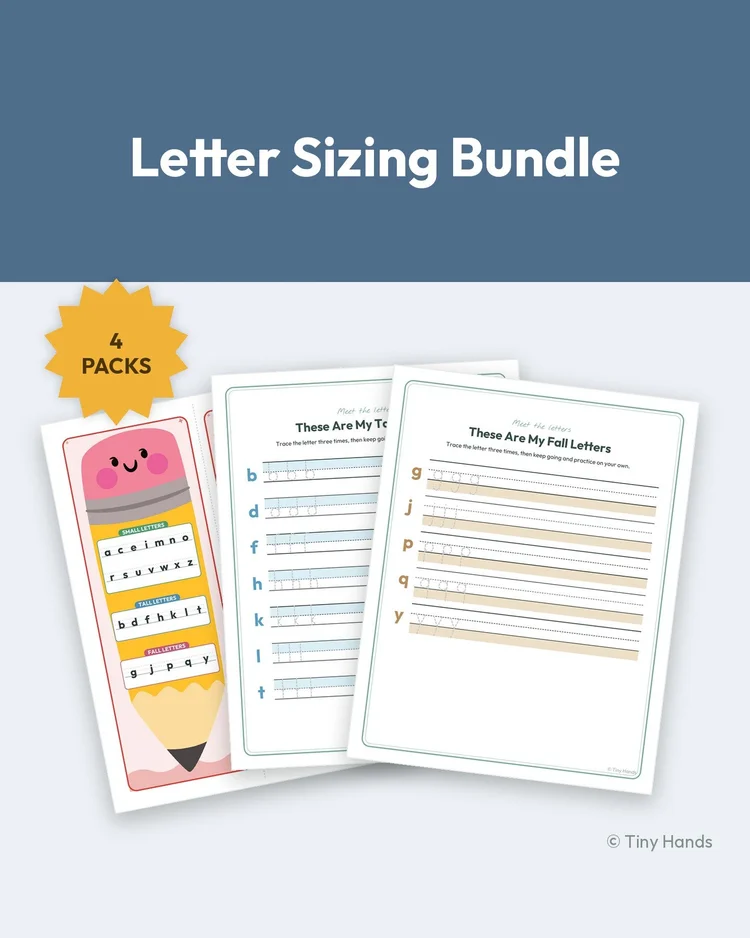
Typing earns its place at school, but handwriting is still what they are graded on in the early years. The Letter Sizing Bundle keeps that side sharp — tall, small and fall letters plus a desk pencil chart — so the keyboard is a choice, not an escape.
Shop the Letter Sizing BundleWhen Should I Check In With an OT About Typing?
Most kids who type slowly are just new at it, and a brand-new motor skill takes a few months to settle in, not a few days. Hunt-and-peck at six is not a problem. Neither is a bit of peeking at eight.
I'd bring it up with an OT if moving one finger at a time is really hard even in play, if your child's hands get tired or sore quickly on both the keyboard and the pencil, or if typing is being used as a workaround for handwriting and nobody's looked at why handwriting is so tough in the first place. Sometimes there's a fine motor or motor planning piece underneath, and it's much easier to work on when you know what it is. The dysgraphia vs. dyslexia post is a good starting point if you've been wondering about that.
And if your kid is happily pecking away with one finger at seven? Let them peck. The parking spots will be there when they're ready.
New here? Grab the free pack first 🎁
Before those fingers ever find the home row, they need strength and control. Join the list and I'll email you the free Fine Motor Starter Pack, 40+ print-ready pages of squeezing, pinching and tracing fun.
Send My Free PackAnd if you'd like every printable I use in sessions, sorted by skill, the membership is right here →
This post is for learning and support — it isn't a diagnosis. © Tiny Hands